
Homeschool planning can involve many open browser tabs and different notes. This can make it hard to see the whole week's plan at once, especially with more than one child or different grade levels.
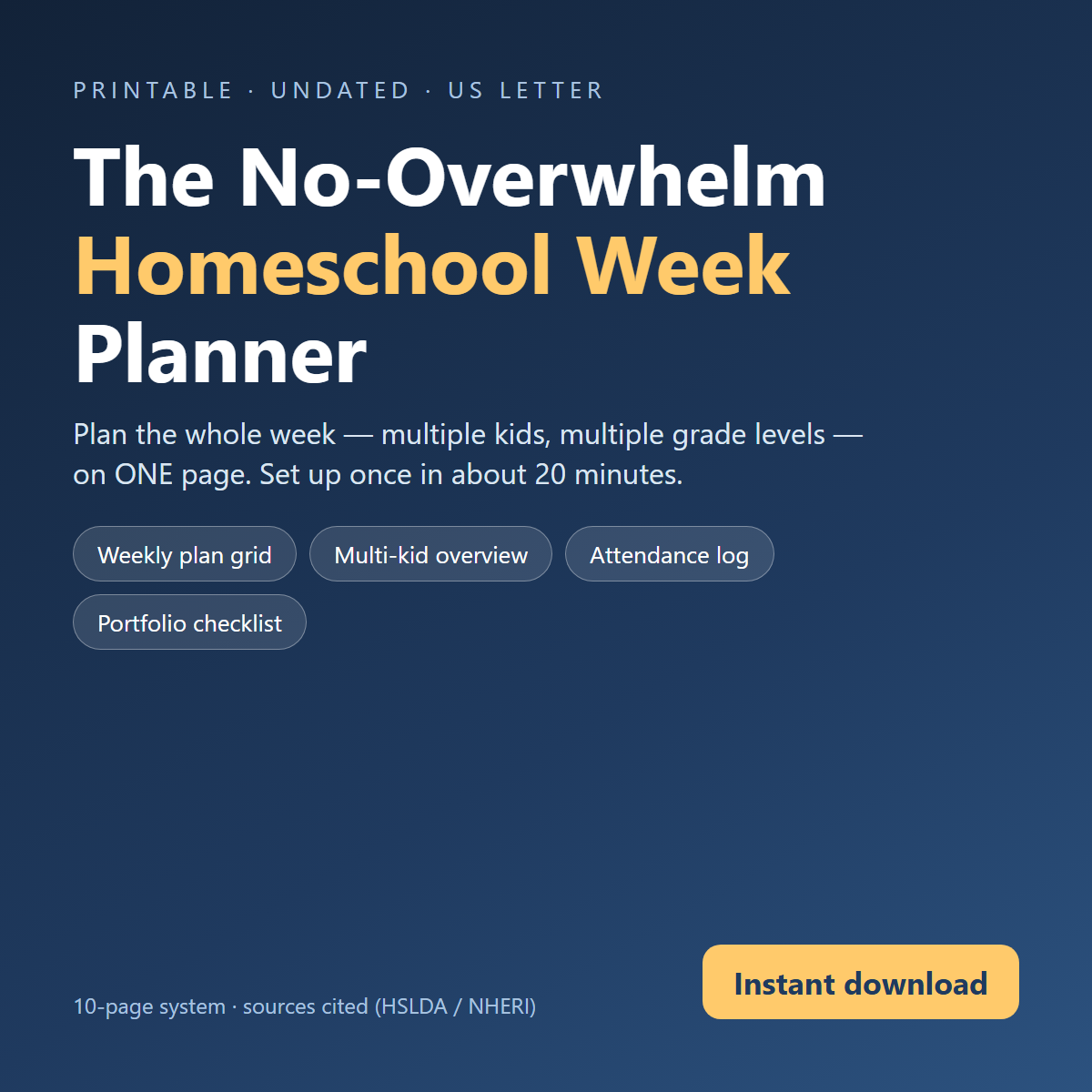
The No-Overwhelm Homeschool Week Planner offers a way to organize a week's lessons for multiple children on a single page. It aims to simplify the weekly planning process, allowing you to focus on the lessons rather than managing many different planning tools.
What is inside
Taken from the product sheet on our store page, unchanged:
Then every Sunday night, plan the whole week — multiple kids, multiple grade levels — on ONE page instead of five browser tabs and a headache. It's the handful of pages that actually get used every week, once you fill them in the first time. Write each kid's name, grade and core subjects on the Multi-Kid Overview page (p.4). You'll reuse this every week — it never needs redoing. Copy this week's lessons from your curriculum's scope-and-sequence into the Weekly Lesson Plan grid (p.3). Don't overthink it — a 3-word entry is enough ("Ch.4 review").
What's inside this download:
- No_Overwhelm_Homeschool_Week_Planner.pdf (13 page PDF)
- README_First.txt
What it covers:
- Weekly plan grid
- Built for real homeschool weeks — not Pinterest-perfect ones
- How this works (one sitting, about 20 minutes)
- Core subjects this term:
- Needs extra support in:
- Daily Rhythm (loose blocks, not a clock)
- Notes for today
- Morning basket / read-aloud
- Core subject block 1
- Core subject block 2
Instant download after payment, no subscription: all you need is a PDF reader and any spreadsheet app (Excel, Google Sheets or LibreOffice).
Sold by CESCAC Productos y Servicios S.A.S. — Guayaquil, Ecuador. Digital products since 2024.
Antes de comprar: el archivo esta en INGLES. Pago unico, descarga inmediata. Garantia 7 dias: si el archivo no baja, llega danado o no corresponde a lo comprado, lo reenviamos o te devolvemos tu dinero (WhatsApp +593 93 923 0827).
Who it is for
- Parents who homeschool multiple children
- Homeschoolers teaching different grade levels
- Individuals seeking a single-page weekly planning tool
- Those who want to plan a homeschool week in about 20 minutes
How you actually use it
- Write each child's name, grade, and core subjects on the Multi-Kid Overview page.
- Copy weekly lessons from your curriculum into the Weekly Lesson Plan grid.
- Use the Daily Rhythm section to plan loose blocks of time.
- Refer to sections for notes, morning basket, and core subject blocks.
What it is not
This planner is a digital PDF document for organizing homeschool weeks. It is not a curriculum and does not provide lesson content. It does not offer specific educational advice or teaching methods. The planner is a tool for organizing existing plans, not for creating new ones from scratch. It is designed for English-speaking users.
Questions we get
What is included with the download?
The download includes a 13-page PDF file titled No_Overwhelm_Homeschool_Week_Planner.pdf and a text file named README_First.txt.
What do I need to use this planner?
You will need a PDF reader and any spreadsheet application, such as Excel, Google Sheets, or LibreOffice, to use this planner.
How long does it take to plan a week using this tool?
The planner is designed to help you plan your week in about 20 minutes, once you have filled in the initial setup pages.
Bottom line
This planner is a digital product designed to help organize your homeschool week. It offers a structured way to plan for multiple children and grade levels on a single page. The content is delivered as an instant download after payment. It is published by CESCAC Productos y Servicios S.A.S. from Guayaquil, Ecuador.
CESCAC Productos y Servicios S.A.S. · RUC 0993389404001 · Los Ríos #609, Guayaquil, Ecuador · Digital store · Contact